
Brat GIF: How to Make Your Own and Where the Real Ones Live
The real brat GIFs on GIPHY and Tenor are video clips. Here is how the design actually translates to a looping GIF, and the free way to export one.
Search brat gif and two different things come back tangled together. One is clips — performances, red carpets, interview moments — hosted on GIF libraries and made for dropping into replies. The other is the idea of the cover itself, animated: a green square with a lowercase word, looping. The first kind exists in bulk. The second kind almost nobody makes, which is strange, because a brat gif is the easiest thing in the world to animate. This guide separates the two, then shows the free, browser-only way to export a real looping one.
The official brat GIFs are video clips
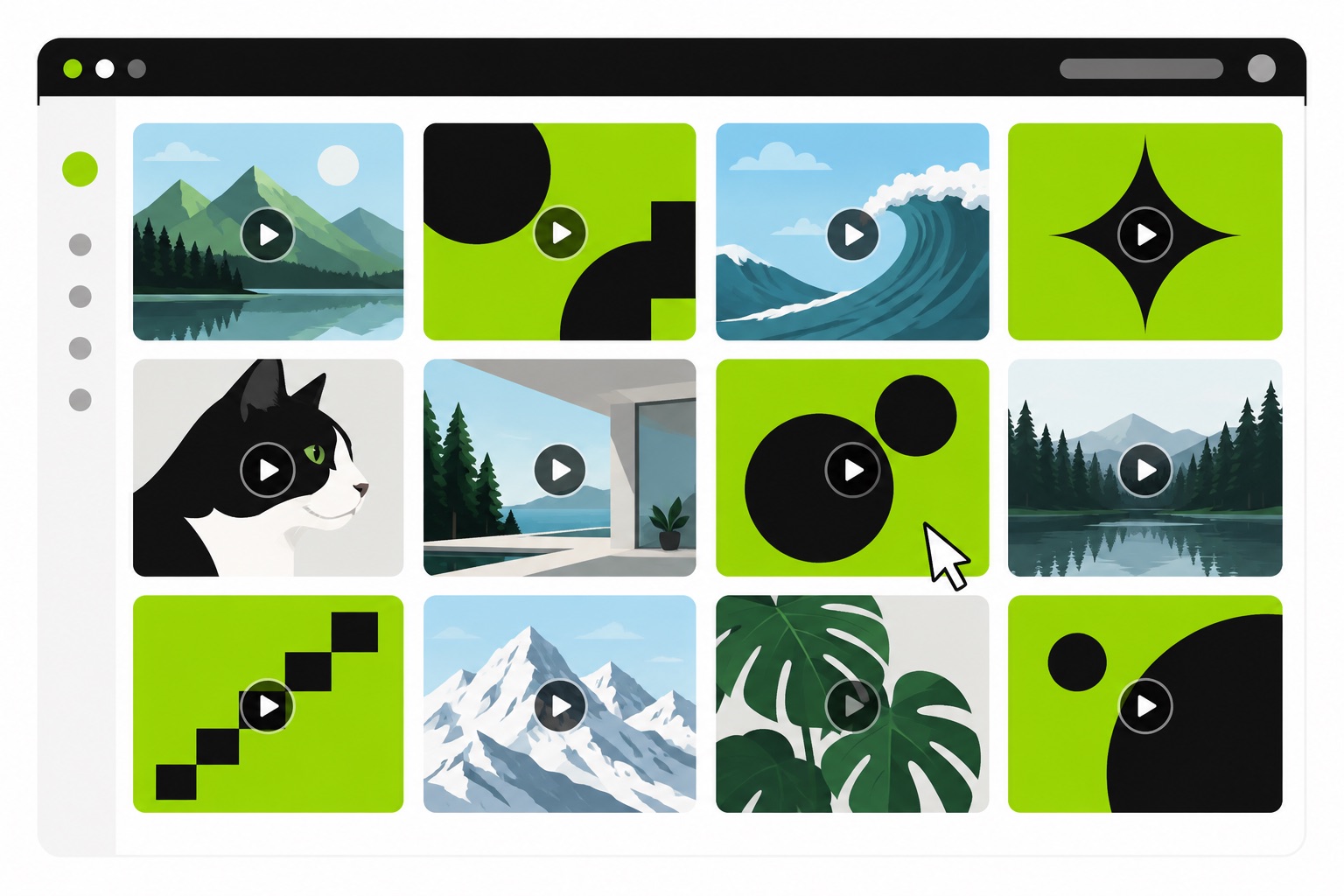
GIF libraries, not the artist, are where the searching happens. GIPHY and Tenor both return brat-era material: performance clips, fan edits, caption-styled cards. Charli XCX does have an official artist channel on GIPHY (artists and labels run these for exactly this purpose), and it hosts clips from across her eras, brat included. What you will not find there is an animated version of the album cover itself. The officially sanctioned interactive bit was the AR side, and it stayed in camera filters.
Why the cover barely needs animating to be a GIF
A brat gif carries up to 256 colors and no audio, which is usually a straitjacket for a design. Flat art ignores it. The brat design is the rare visual that does not care: it is three flat colors, give or take — the green field, black type, white if you are on the deluxe palette — so the palette wastes almost nothing on it. Grain and blur, which the look has by intent, survive low color depth gracefully too. The design was born low-resolution; a GIF is a low-resolution format. They deserve each other.
The one honest limit: silence. No palette discipline changes the fact that a GIF cannot carry the song. Anything that needs audio is an MP4 job.
The free way to make a real one
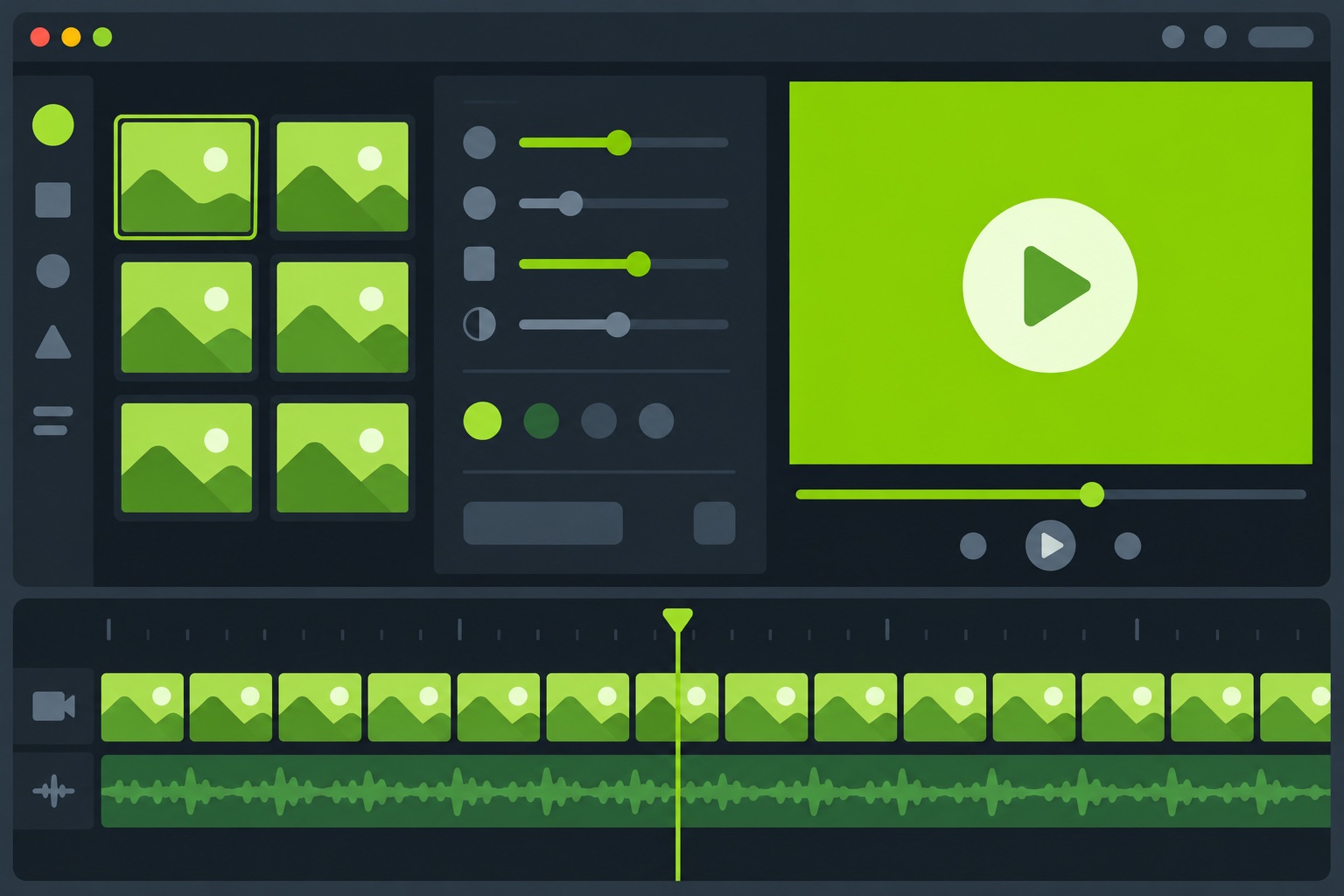
The brat lyrics generator exports actual looping GIFs in the browser, and it is the fastest route by a wide margin. Type your word or a few lines, pick the era color from the presets, and export: the free tier renders a 360px GIF that loops automatically, carries no watermark, and asks for nothing, not even an account. Pro renders 720px wide with a richer 256-color palette for when it needs to hold up on a big screen.
Between those two exports sit the design rules that keep a brat gif readable in motion: one word or a few short lines, lowercase, black type on the green. Sixty seconds is the GIF ceiling in that tool, and the same project exports MP4 for anything longer — the format boundary, not a paywall, is what stops you.
The other routes, honestly compared
Kapwing ships a brat meme template with an animate option, and it is fine if you already live in Kapwing — you are assembling the look from layers either way. Imgflip's and GIPHY's built-in makers are general-purpose GIF tools with no brat presets, so you supply the green, the stretched lowercase, and the restraint yourself. And if you already exported an MP4 from the lyrics tool, ezgif converts it in a paste. 
All three work. None of them beat typing one word into a tool that already knows the type, the green, and the export size, which is why the native route stays first on this page. The fallback hybrid: design the static square in the brat generator first, then animate it wherever you land.
Where a brat GIF actually earns its keep
Group chats, first. A looping green word lands differently than a static image, and the effort cost is identical. In Discord, a brat gif attaches in messages directly; the smaller-format ladder has its own rungs, covered in the emoji guide: a static 128×128 custom emoji for reactions, a sticker when it should be bigger. WhatsApp group chats take them as stickers if you convert the export first, per the sticker specs. On X, GIFs get compressed hard, and flat three-color designs are the shapes most likely to survive that. On the open web, in forum signatures, blog sidebars, and lightweight page previews, a small looping GIF does a job video files have no business doing at ten times the weight.

GIF or video: picking the format on purpose
Short, silent, looping — GIF. Music behind it, several timed lines, a vertical cut for TikTok or Reels — MP4 from the same tool. The meme generator's video workflow covers the subtitle-style video format if the brat gif idea grows into full subtitles. Rule of thumb: the moment it needs sound or more than a minute, it stopped being a GIF somewhere along the way.
FAQ
Is there an official brat GIF?
There are official clips — Charli XCX's artist channel on GIPHY hosts material from her eras — but no official animated version of the album cover. Everything cover-shaped is community-made.
How do I make a brat GIF for free?
Type the word into the lyrics generator, choose a color preset, and export the GIF. The free render is 360px, loops, and has no watermark.
Can a brat GIF have the song audio?
No — the GIF format carries no audio track at all. Export an MP4 from the same project when you want the song; GIF is the silent, looping sibling.
Why does my brat GIF look blurry?
Three compounding reasons: the 256-color GIF palette, platform re-compression, and the fact that the design is deliberately low-resolution. The type's own story is stretched and low-res by design — blur is closer to feature than defect here.
How do I post a brat GIF in Discord?
Attach it in a message like any GIF. For reactions at emoji size, resize the static export to 128×128 and upload it as a custom emoji — the specs are in the emoji guide.
Can I upload my brat GIF to Tenor or GIPHY?
Yes — both accept uploads with an account, and once tagged, your GIF becomes searchable by everyone. That is how most of the brat gif pile got there in the first place.
What size should a brat GIF be?
360px square or vertical is the free export and fine for chats; 720px (Pro) holds up on larger screens. Bigger is rarely better — platforms compress it back down anyway.
GIF or looped video for a brat caption?
Under a minute and silent, GIF. Music or a longer timeline, MP4. The same project exports both, so pick per destination rather than per project.
The reaction-clip pile keeps growing without anyone's help. The looping green square is the part you can own: three colors, one word, no audio, and a ceiling of about a minute — which is to say the format was waiting for this design all along. For where the look started, the album cover guide has all three covers, and the brat text generator still runs free in a browser.