
Brat Filter: Where to Find It and What to Use Instead
The brat filter explained: Charli's official Instagram effect, the Snapchat lens, why it is so hard to find, and how to make brat images without any filter.
The brat filter was one of the defining camera effects of the 2024 brat summer: the album's acid green, the lowercase type, layered right onto your photos and stories. It is also, two years on, one of the more annoying effects to actually track down. Search "brat filter" today and most of what comes back is not the filter at all — it is a wall of brat generator websites, a Snapchat lens page, and a Reddit thread. This guide covers where the filter came from, how to find the brat filter on each platform, and how to get the same look without installing or unlocking anything.
What the brat filter actually was
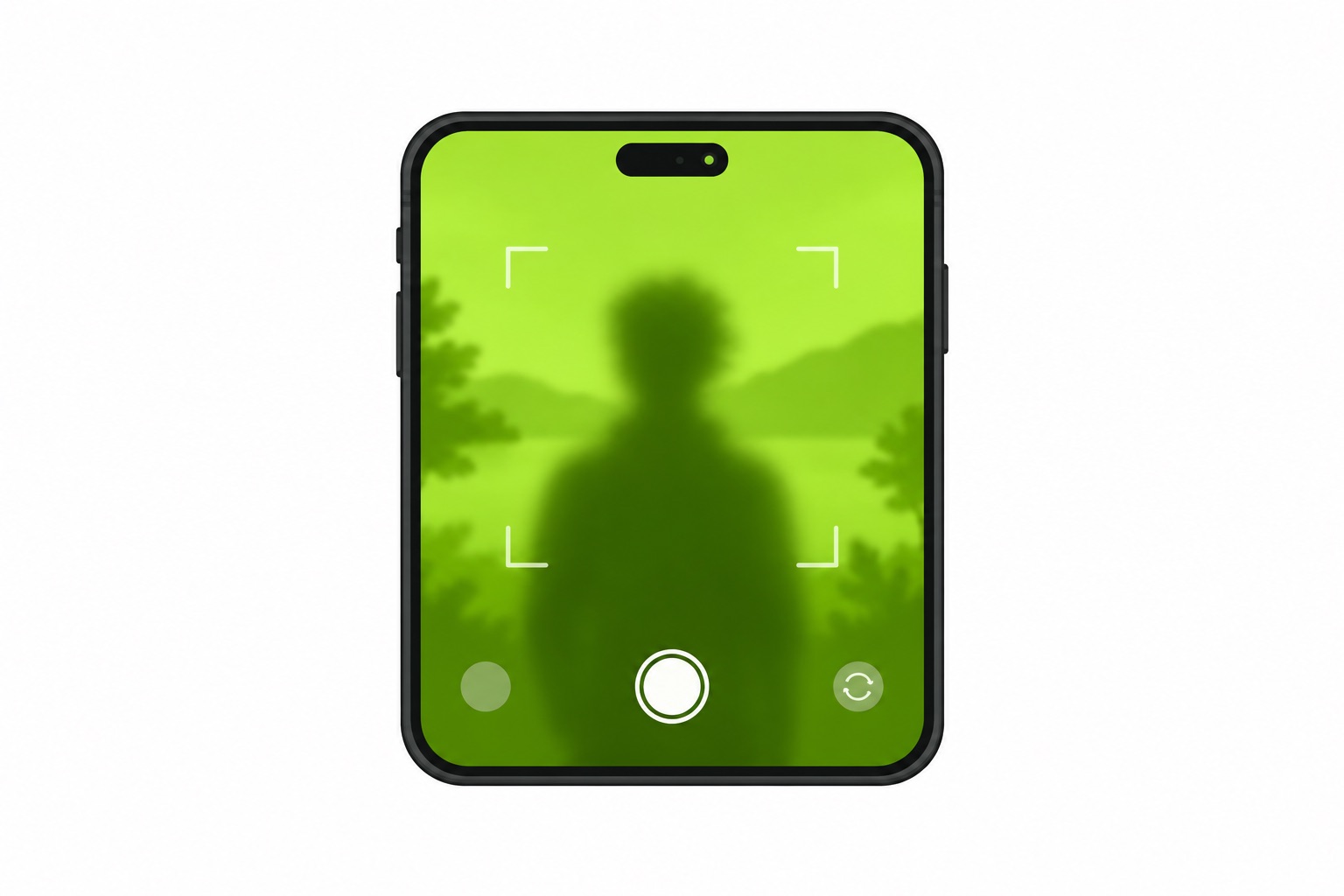
During the run-up to Brat — released June 7, 2024 — Charli XCX's team shipped a set of AR effects to feed the campaign. Filter directories such as Lenslist list an official Brat effect under Charli's own creator account, tagged as a face effect with text, tied to the "start your BRAT summer" push. Snapchat got a brat xcx lens of its own, still reachable through its official lens page. On TikTok, effect creators built their own versions, and tutorial videos for those still circulate.
All of these do the same broad job: they put the era's visual — that green, that stretched lowercase type — over your camera. The Instagram version worked as a face and frame effect, so the green sat behind you or the text landed on you. None of them invented a new look — they packaged the album cover's design for live video.
Why it is so hard to find now
The brat filter's problem is discovery, not existence. Campaign effects are not permanent fixtures. Instagram's effect gallery rotates, and effects tied to a marketing push tend to drift out of the browse shelf a few months after the push ends. The effect still exists — AR effects rarely get deleted — but the problem is discovery. Searching "brat" inside the Instagram story camera is unreliable, and if the effect is not on the browse shelf for your region, you will not see it.
That leaves three practical routes on Instagram:
- Open a direct link to the effect from a filter directory — the Lenslist listing has a try-it link that hands you into Instagram.
- Visit the creator's profile. Effects live on a tab on the creator's profile; if Charli's account still surfaces it, that tab is where it will be.
- Catch someone using it in a story and tap the effect name at the top, which lets you save it to your camera.
On Snapchat the route is simpler: the brat xcx lens page has an "Open in Snapchat" button, and the lens unlocks in your app. TikTok is the most alive of the three — effect creators keep making brat-style filters, so searching the effects tab for "brat" turns up fan versions of varying quality.
One more honest note: none of this is guaranteed to stay stable. Direct links are the only route worth relying on, and even those depend on the platform keeping the effect live in your region.
The look without any filter
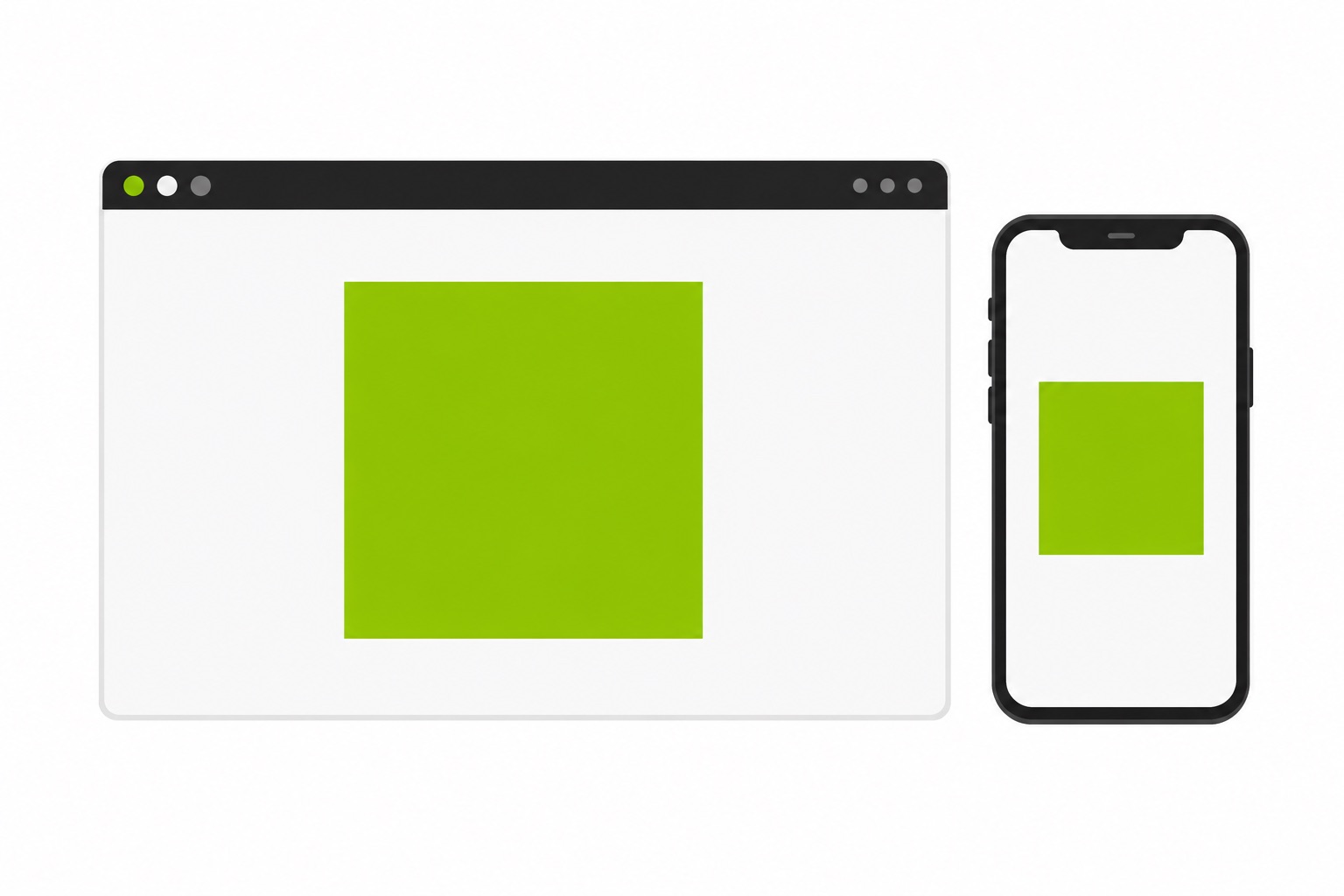
The filter's signature frame is a still image: a green background and one lowercase word in stretched type. And a still image is exactly what a brat text generator produces, with nothing to install and no effect to unlock.
The fastest path is the brat generator with "brat" preloaded on the official green — swap in your own word if you want one — and download the 600×600 PNG. The whole thing takes under a minute in a browser. If you are stuck on the word, the captions collection has over a hundred lowercase-ready one- and two-liners, and the gallery has dozens of finished presets you can open with one tap.
Two details matter if you want it to read as the real thing rather than a lookalike. First, lowercase always — the design collapses without it. Second, the color: the mainstream count reads #8ACE00, with #89CC04 as the popular color-picker reading, and the brat green guide has every conversion plus the fan variants. The font page explains why the type looks that stretched and ugly on purpose.
Filter vs generator: which one for what
The two do different jobs, and picking the wrong one wastes an evening.
The brat filter wins when you want the effect live — a video story, a reaction shot, the green tint moving with your face. It is the only option for motion, and on Snapchat it is genuinely quick to unlock.
The generator wins on nearly everything else. It gives you a downloadable file at a known size, so the same image works as an album cover, a wallpaper, or a meme — instead of a story that disappears in 24 hours. It renders text perfectly, where a camera filter shrinks and warps it. It works on any device with a browser. And it never gets rotated out of a gallery, because there is no gallery.
For stories specifically, the workflow most people land on: make the image in the generator, post it as a story background, and add your own text stickers on top. Stories are portrait, so either keep your word in the middle band of the square and let the green bleed, or use the same-color padding trick from the wallpaper guide to fake a taller canvas. For anything animated, the lyrics tool makes proper motion posts instead.
Using it across the platforms
Instagram takes the image straight into a story or a feed post. TikTok's photo mode does the same and tends to hold the image quality better than a screenshot ever will. Snapchat's Memories import works fine for snaps. If your account is private, the image is yours anyway — nothing about it is platform-locked. And if the whole point is your profile rather than a post, the same square at 600×600 doubles as a profile picture with no extra work. If a 24-hour story is too temporary for the design, the sticker tool turns the same square into a die-cut decal for laptops and water bottles.
One caution borrowed from every filter trend: screenshots of other people's filtered posts look terrible. The compression stacks. A direct download from the generator always beats a screenshot of a filter, which is the same reason meme pages use the meme tool instead of screenshotting each other.
FAQ
Is there an official brat filter?
Yes. An official Brat effect shipped under Charli XCX's own creator account on Instagram during the 2024 campaign, and Snapchat has an official brat xcx lens. TikTok versions are fan- or creator-made. The official effects are harder to surface now than in 2024, which is why direct links are the reliable route.
How do I get the brat filter on Instagram?
Try the direct route first: open the effect listing on a filter directory and follow its try-it link into Instagram. If the effect does not load in your region, check the creator's profile effects tab, or tap an effect name at the top of a story that uses it. If none of that pans out, the generator gives you the same still look without any filter.
Is the brat filter free?
All of them — the Instagram effect, the Snapchat lens, and TikTok creator effects are free like every platform camera effect. The generator is free too, and needs no account for the standard export.
Why doesn't the brat filter show up in my effects?
Instagram's effect shelf is regional and rotates. Campaign effects drift out of browse after the push ends, and searching inside the story camera is unreliable. Direct links from filter directories are the dependable path, and if the effect is regionally unavailable, no amount of searching will surface it.
Can I make a brat image without the brat filter?
That is the generator's whole job, and it is the reason most "brat filter" posts online are generator sites. Type your word, pick the green, download the PNG — the generator runs in the browser and the export carries no watermark.
Does the brat filter work on Android and iPhone?
Yes — camera effects are platform features, not device exclusives, so both systems get them. The generator path works on both too, since it is just a web page.
What font and color does the brat filter use?
The stretched lowercase Arial look from the cover — the designers called the brief an "ugly Helvetica," and the full story is on the font page. The green reads as #8ACE00 on the mainstream count, with #89CC04 as the picker reading; both are covered in the green guide.
Can I use a brat image as my story background?
Yes. Make the square in the generator, share it to your story, and layer text stickers on top if you need date or place details — it is the same trick behind the party invitation workflow. Stories are taller than squares, so center the word or pad the sides in the same green.
If the brat filter hunt comes up empty, that is fine — the still version is one tap away, and honestly it is what most of the posts you see were made with anyway. For the full era context, the brat summer explainer covers how a dance record turned into a color scheme the whole internet borrowed.